


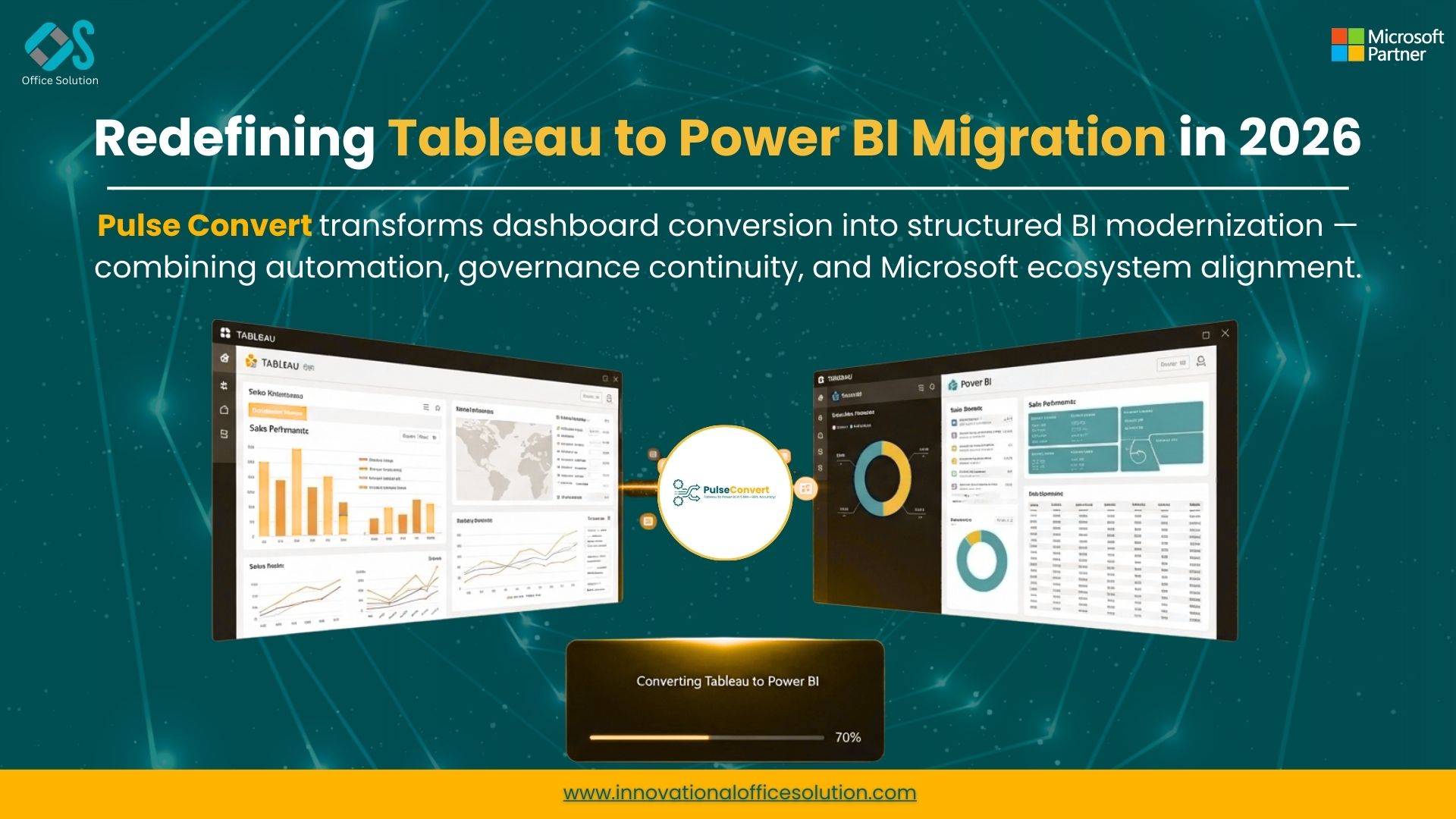
Tableau to power bi migration
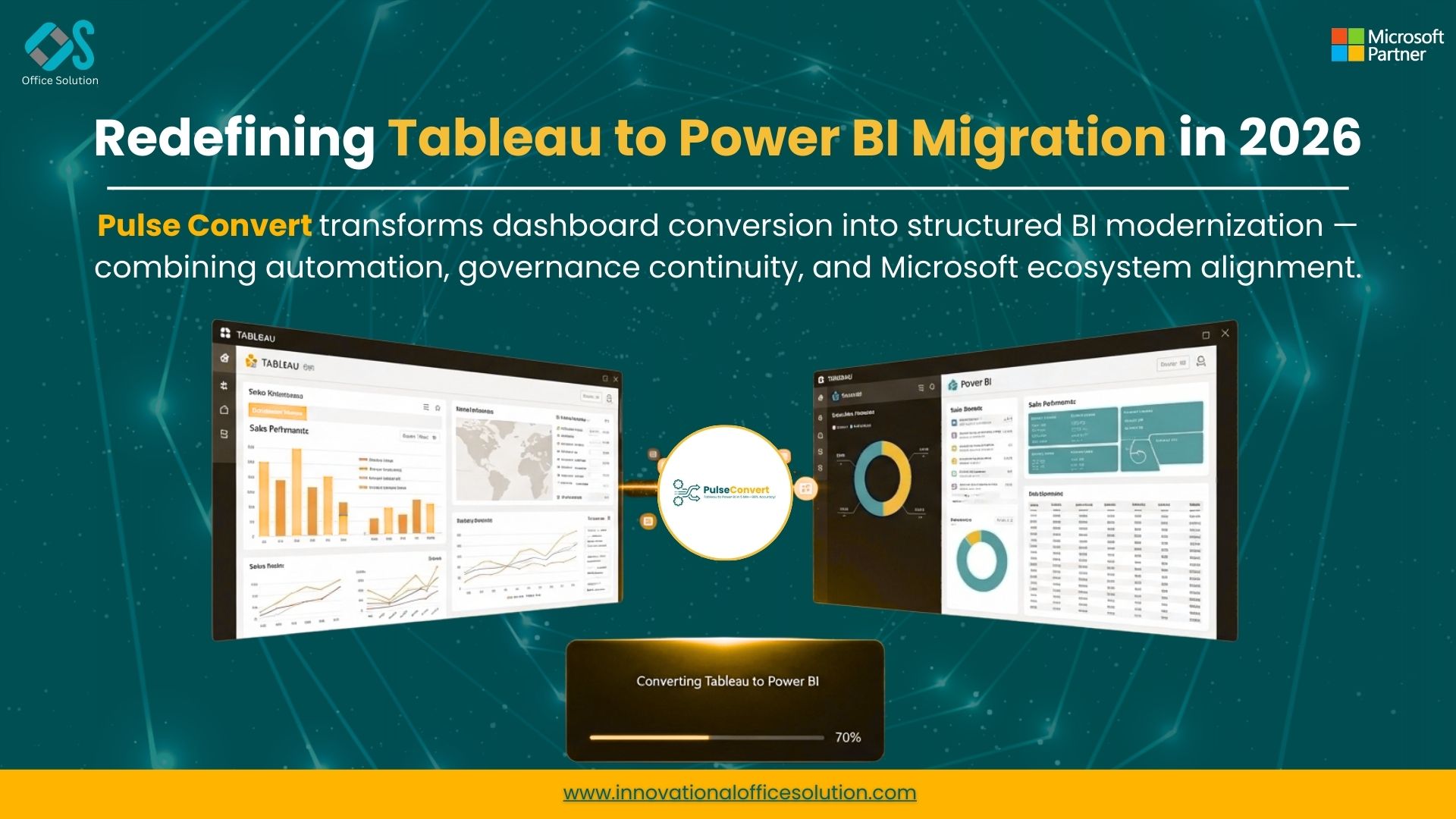
Tableau to power bi Accelerator

Pulse Convert Logo
Microsoft-Backed Pulse Convert Emerges as Industry Standard Tableau to Power BI Migration Accelerator for Enterprises
HOUSTON, TX, UNITED STATES, March 16, 2026 /EINPresswire.com/ -- Microsoft-Backed Tableau to Power BI Migration Tool Achieves 88% Automation Accuracy
A leading global FMCG organization has successfully completed one of the largest analytics modernization initiatives in its sector by migrating more than 5,000 dashboards from Tableau to Power BI in just three months. The transformation was enabled through Pulse Convert, a powerful Tableau to Power BI migration tool designed to automate dashboard conversion and accelerate analytics modernization.
The migration achieved approximately 88% automated conversion accuracy, significantly reducing the manual redevelopment effort typically required in large-scale BI migration projects. The program also leveraged Microsoft ecosystem support, including Microsoft-funded Proof of Concept (PoC) initiatives, enabling the enterprise to validate migration feasibility before executing the full transformation.
The initiative ultimately helped the organization standardize its analytics ecosystem on Microsoft Power BI and Microsoft Fabric, two platforms increasingly adopted by enterprises for unified analytics and data management.
The Challenge: Migrating a Large Tableau Analytics Landscape
The FMCG enterprise had been using Tableau extensively across global business units for several years. Dashboards supported a wide range of functions including sales performance analysis, supply chain monitoring, marketing campaign tracking, and financial reporting.
Over time, the analytics environment grew significantly in complexity and included:
• More than 5,000 Tableau dashboards
• Hundreds of data connections and data sources
• Complex calculated fields and business logic
• Multiple regional reporting environments
Rebuilding all dashboards manually within Power BI would have required rewriting calculations, rebuilding visualizations, and validating every report individually. For environments of this size, manual migration projects can often take 12–18 months.
To avoid long project timelines and reduce migration risk, the organization decided to adopt an automated Tableau to Power BI accelerator capable of converting dashboards using automation and metadata extraction.
The Solution: Pulse Convert Tableau to Power BI Automated Solution
The organization implemented Pulse Convert, an advanced Tableau to Power BI automated solution designed to streamline migration by automatically converting Tableau dashboards into Power BI artifacts.
Pulse Convert analyzes Tableau workbooks and extracts key metadata such as dashboards, worksheets, data models, filters, parameters, and calculated fields. These components are then converted into compatible Power BI reports, significantly reducing manual effort.
By leveraging this Tableau to Power BI migration accelerator, the migration team was able to automate a majority of the dashboard conversion process. This allowed analytics engineers to focus on validating dashboards and optimizing performance instead of recreating reports from scratch.
Pulse Convert has increasingly become a preferred Tableau to Power BI migration tool for organizations transitioning to modern analytics platforms built on Microsoft technologies.
For more information please visit: https://innovationalofficesolution.com/Tableau-To-PowerBI/
Microsoft Ecosystem Support for Migration
One of the key advantages of using Pulse Convert is its alignment with the Microsoft analytics ecosystem. Enterprises adopting Microsoft Power BI and Microsoft Fabric often leverage migration accelerators that integrate with Microsoft’s modernization programs.
Pulse Convert is backed by Microsoft’s partner ecosystem, and organizations evaluating Power BI adoption can benefit from Microsoft-funded Proof of Concept programs designed to assess migration feasibility.
These PoC initiatives allow enterprises to:
• Evaluate automated dashboard conversion capabilities
• Validate migration accuracy and performance
• Identify potential complexities in existing dashboards
• Build a structured roadmap for full-scale BI transformation
This collaboration between migration tools and Microsoft ecosystem support significantly reduces risk for enterprises planning large analytics migrations.
For Microsoft funded POC please fill this form:
https://landingpages.innovationalofficesolution.com/tableau-to-powerbi-migration-demo
Migration Results: 5,000 Dashboards Converted in Record Time
Using the Pulse Convert Tableau to Power BI accelerator, the FMCG organization completed the migration of more than 5,000 dashboards within just three months.
The automated conversion process achieved an average accuracy of approximately 88%, meaning that the majority of dashboards and business logic were successfully migrated without requiring extensive manual redevelopment.
The migration delivered several measurable outcomes:
• Migration of 5,000+ dashboards from Tableau to Power BI
• Completion of migration in three months
• 88% automated conversion accuracy
• Significant reduction in development effort
• Faster enterprise adoption of Microsoft analytics platforms
The accelerated migration timeline ensured that business teams continued to access mission-critical analytics insights throughout the transition.
Pulse Convert Emerging as an Industry Standard for Microsoft Fabric Migrations
As organizations increasingly adopt Microsoft Fabric as their unified analytics platform, demand for scalable migration tools continues to grow.
Pulse Convert has rapidly emerged as a trusted Tableau to Power BI migration accelerator for enterprises seeking to modernize analytics environments within the Microsoft ecosystem.
By combining automation, enterprise-scale migration capabilities, and strong integration with Microsoft technologies, the platform enables organizations to transition from legacy BI tools to modern analytics environments quickly and efficiently.
For enterprises evaluating Tableau to Power BI automated solutions, tools like Pulse Convert provide a practical and scalable approach to executing complex analytics modernization programs.
Frequently Asked Questions (FAQ)
What is the fastest way to migrate from Tableau to Power BI?
The fastest approach for large-scale migrations is to use a Tableau to Power BI migration tool that automates dashboard conversion. Solutions like Pulse Convert act as a Tableau to Power BI accelerator, enabling organizations to migrate thousands of dashboards significantly faster than manual redevelopment approaches.
How accurate are automated Tableau to Power BI migration tools?
Automation accuracy depends on dashboard complexity, data sources, and calculations. Modern migration solutions such as Pulse Convert typically achieve 75% to 90% automated conversion accuracy, significantly reducing manual migration effort.
Can large organizations migrate thousands of dashboards quickly?
Yes. Enterprises with large analytics environments can migrate dashboards faster using a Tableau to Power BI automated solution. In many cases, automated migration accelerators allow organizations to migrate thousands of dashboards within a few months instead of several years.
Does Microsoft support Tableau to Power BI migration projects?
Many enterprises transitioning to Power BI and Microsoft Fabric benefit from Microsoft ecosystem support, including funded Proof of Concept programs that help organizations evaluate migration strategies and tools such as Pulse Convert.
Why are enterprises moving from Tableau to Power BI and Microsoft Fabric?
Organizations are increasingly adopting Microsoft Fabric and Power BI because these platforms provide a unified environment
Manish Kumar Agrawal
Office Solution AI Labs
+ +9197169 13186
manish.agrawal@innovationalofficesolution.com
Visit us on social media:
LinkedIn
Instagram
Facebook
YouTube
X
Legal Disclaimer:
EIN Presswire provides this news content "as is" without warranty of any kind. We do not accept any responsibility or liability for the accuracy, content, images, videos, licenses, completeness, legality, or reliability of the information contained in this article. If you have any complaints or copyright issues related to this article, kindly contact the author above.
