


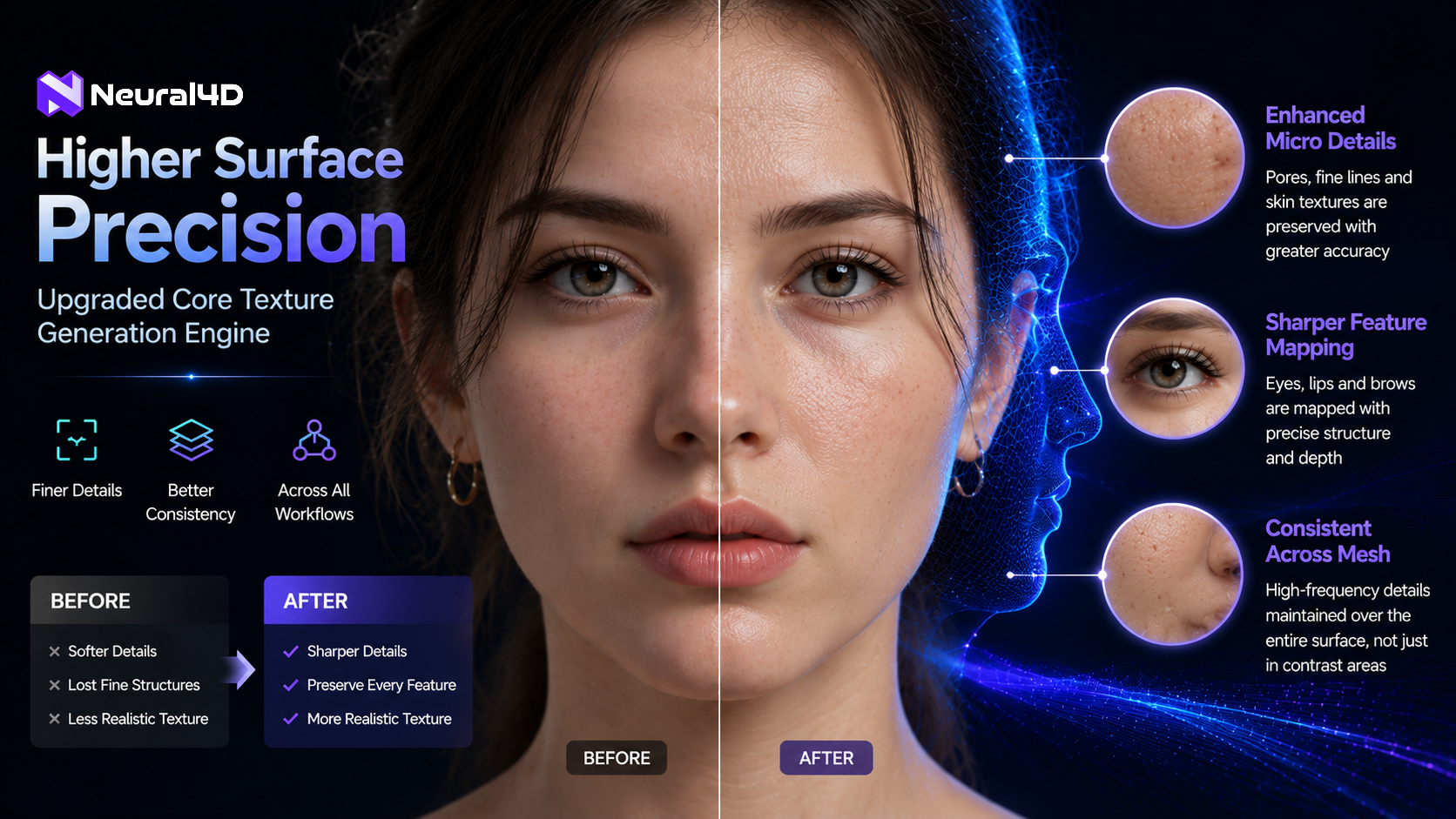
Neural4D upgrades its core texture generation engine to achieve higher surface precision across all workflows.
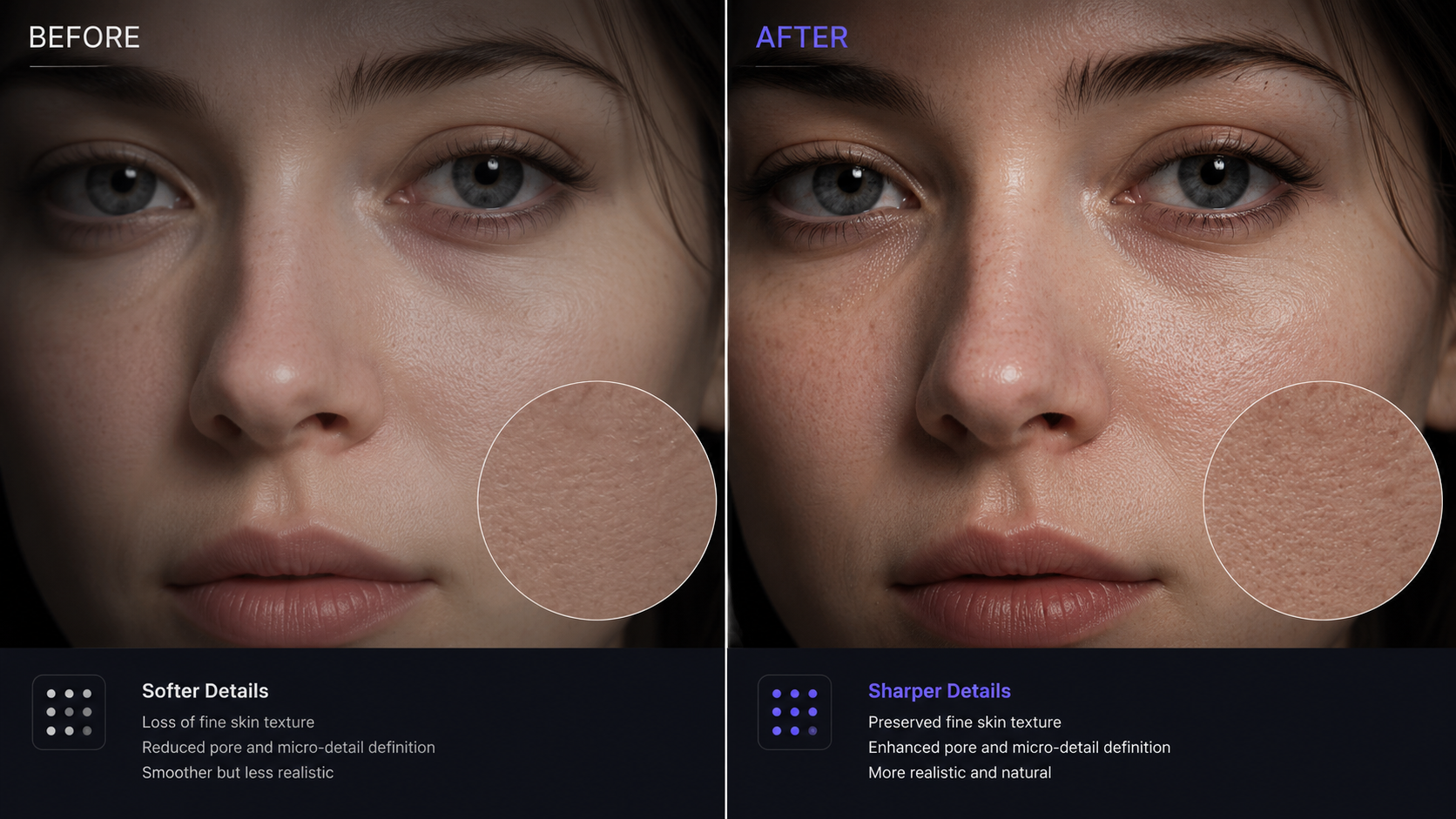
A detailed before and after rendering showing softer details versus sharper, more realistic micro-pore textures.
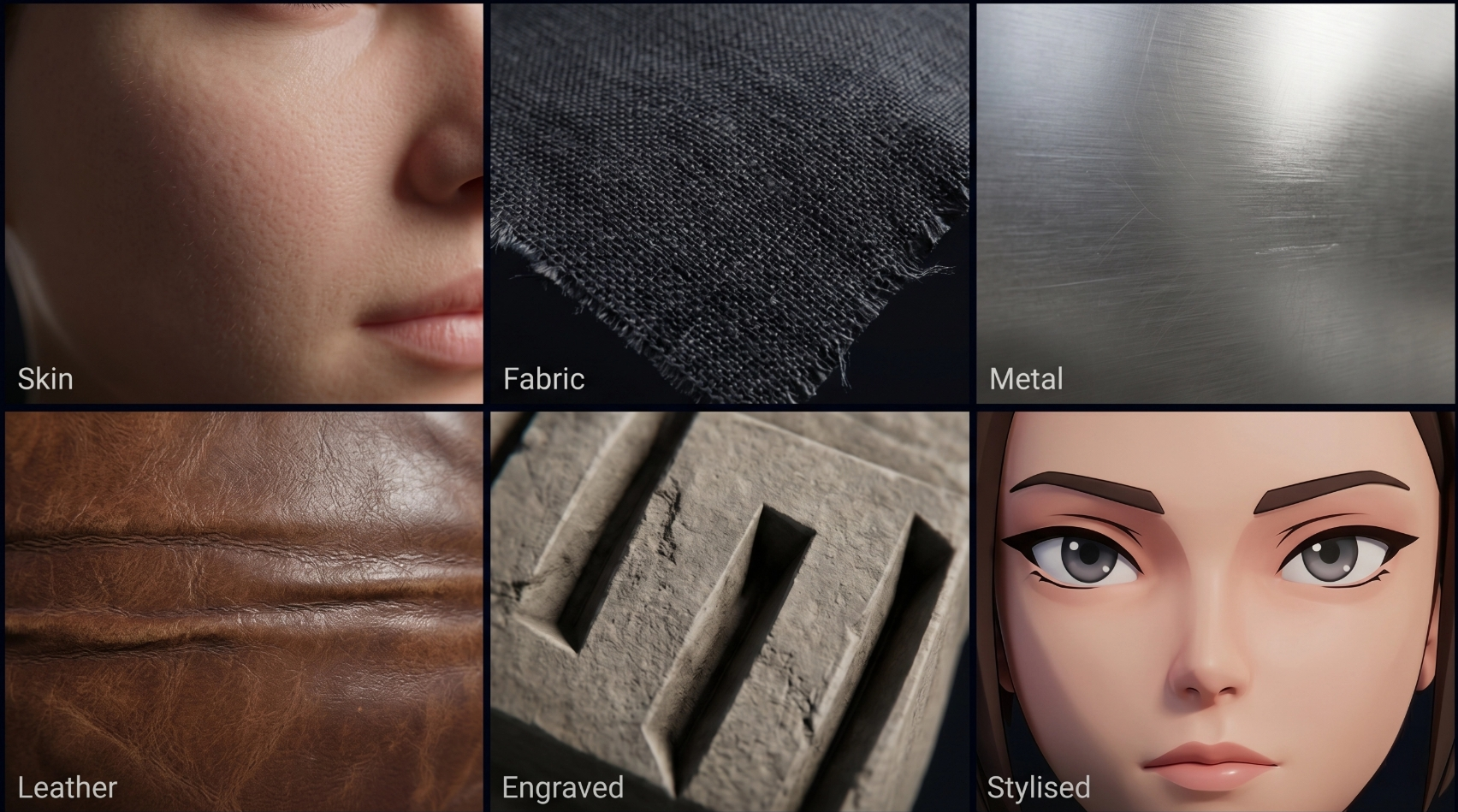
The updated engine delivers consistent quality across diverse materials including skin, fabric, metal, leather, engraving, and stylised art.
The Neural4D Studio upgrade delivers finer surface detail and more accurate facial feature mapping across all generative 3D creation workflows.
The upgrade delivers finer surface detail, more accurate facial feature mapping, and higher consistency across complex meshes. The improvement applies to every Neural4D workflow that includes a texture step: AI Texture, Image to 3D, Text to 3D, Multi-view to 3D, and AnimeArt.
Precision Where It Matters Most
The update targets the way the texture model handles high-frequency detail regions. Earlier versions would sometimes soften or average out fine surface structures when a reference contained dense detail, producing results that lost sharpness around the eyes, lips, stitching lines, or engraved surface patterns. The revised engine preserves local contrast and edge definition more faithfully, holding structure across the full mesh surface rather than only in areas with strong tonal contrast.
Because the texture engine is a shared component called by all five workflows, the quality gain is consistent regardless of which tool a user enters from. A creator generating a character in AnimeArt and a product designer reconstructing a mesh via Multi-view Image to 3D will both receive the improved output from the same updated model. No configuration changes are needed on the user side. Existing projects and new generations both use the updated model automatically from the point of release.
Available Across All Workflows
Neural4D Studio is a browser-based 3D creation platform covering the full asset production cycle, from initial concept to export-ready mesh. The five workflows now benefiting from the updated texture engine each address a different entry point in that cycle.
AI Texture accepts two types of input: users can upload a 2D reference image to transfer its surface style and material characteristics onto a 3D mesh, or they can enter a text description to specify the desired material in natural language. Both paths now produce finer detail in the output, particularly around facial features, fabric textures, and surface markings.
Image to 3D and Text to 3D each include an optional texture step after the mesh is generated. Users working in either workflow will receive the same engine-level improvement without changing how they interact with the tool.
Multi-view to 3D reconstructs geometry from multiple photos of a single subject. Previously, the accuracy of the reconstructed geometry could outpace the detail level of the applied texture. The updated engine closes that gap, producing surface maps that better match the structural complexity of multi-angle reconstructions.
AnimeArt generates stylised 3D characters with expressive visual features. The facial detail improvements in the texture engine are particularly relevant here, as character identity in stylised work depends heavily on accurate shading around the eyes, lips, and brow line.
Who Benefits
3D designers working on character art or product visualisation will find that surface quality holds at full resolution. Facial landmarks now carry better-defined texture boundaries, reducing the need to manually correct blurry or misaligned seams in post-processing.
Game developers gain texture maps that remain structurally accurate across multiple LOD levels. Whether a character is in a cinematic close-up or mid-field gameplay view, the proportional shading on the face and clothing stays coherent, cutting iteration time in the asset review cycle.
VTubers and avatar creators using AnimeArt depend on recognisable facial details for live performance and character identity. The updated engine preserves distinctive features of a reference design, from the eyebrow arch to the tone gradient across the cheek, with less manual correction needed after generation. Beginners looking to find free 3D models and explore AI avatar creation can get started with DIY3D.
The updated texture engine is active now across all Neural4D Studio workflows. AI Texture is available at https://www.neural4d.com/studio/ai-texture. Image to 3D, Text to 3D, Multi-view to 3D, and AnimeArt are accessible through the main Neural4D Studio interface.
About Neural4D
Neural4D, developed by DreamTech, is an AI-powered creative platform that generates high-fidelity 3D assets, images, and video. Its proprietary engine delivers detailed meshes and PBR textures in seconds, supporting game studios, 3D designers, product teams, and digital creators in accelerating their production workflows. Neural4D Studio is accessible entirely through a web browser with no local installation required.
DreamTech Company
Neural4D
email us here
Visit us on social media:
LinkedIn
Instagram
Facebook
YouTube
TikTok
X
Other
Legal Disclaimer:
EIN Presswire provides this news content "as is" without warranty of any kind. We do not accept any responsibility or liability for the accuracy, content, images, videos, licenses, completeness, legality, or reliability of the information contained in this article. If you have any complaints or copyright issues related to this article, kindly contact the author above.
