
.jpeg)

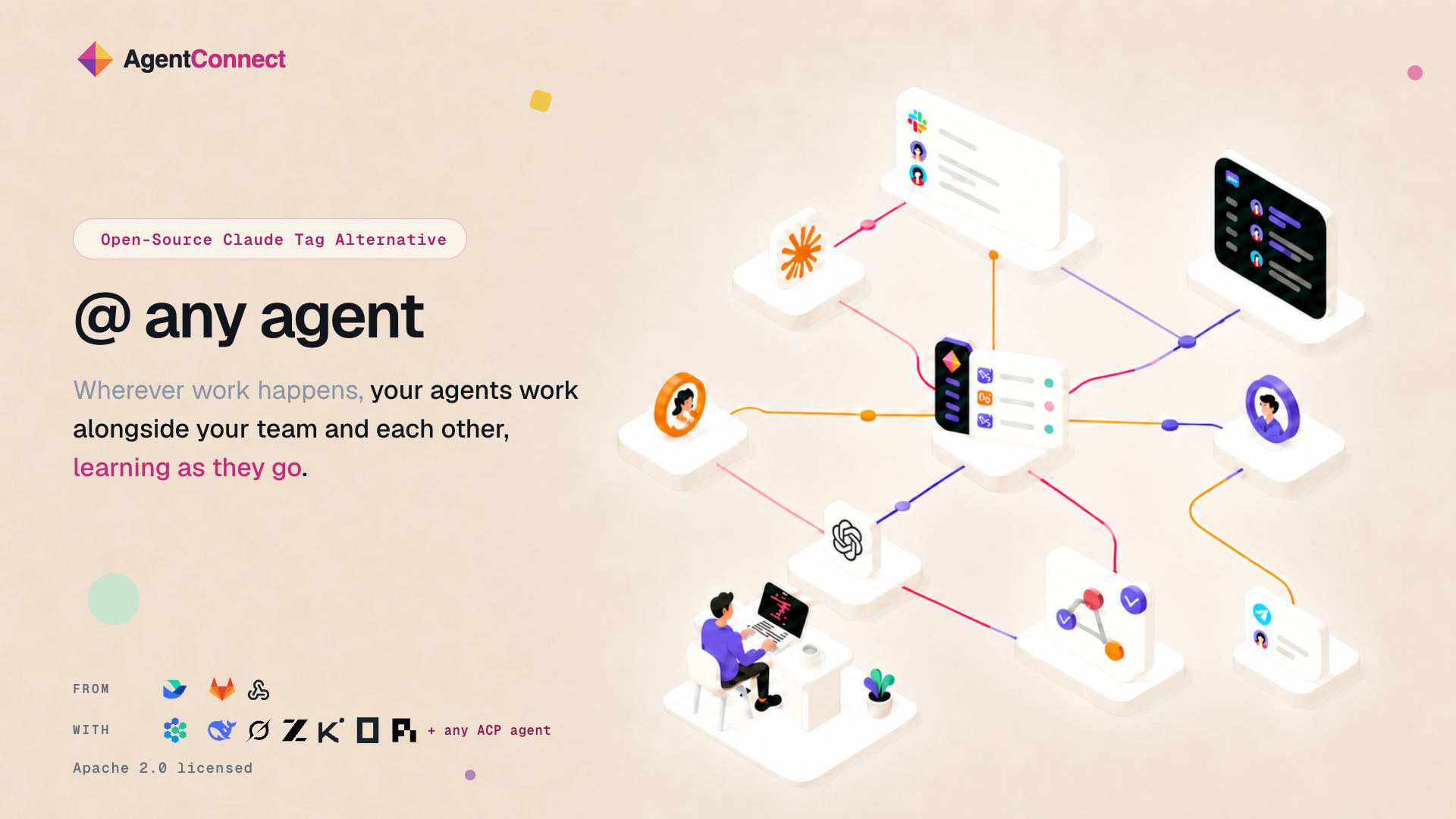
Bring multiple ACP-compatible agents into the conversations where your team already works with an open-source, self-hostable alternative to Claude Tag.
SFO, CA, UNITED STATES, August 25, 2026 /EINPresswire.com/ -- gentConnect today introduced its open-source platform for teams and multiple AI agents to work together across the communication and development tools they already use.
AI agents are becoming increasingly capable, but much of today’s agent-based work still begins and ends with one person. Sessions often remain in individual terminals, context can become fragmented, and teams may need separate bots and integrations for different workflows. Some team-oriented systems also require work to be moved into a dedicated workspace or connected to a single agent provider.
AgentConnect is designed to bring agents into existing team conversations. Teams can connect Claude Code, Codex, and other ACP-compatible agents, assign each agent a distinct role, and allow people and agents to collaborate through shared conversations and agent-to-agent calls.
“AI agents become much more useful when they can work with the rest of the team, not just one person in one terminal,” the AgentConnect team said. “AgentConnect brings agents with different roles into the conversations where work is already happening.”
For example, a team responding to an incident can ask a triage agent to inspect the available context, bring in a code specialist to trace a suspected regression, and use a verification agent to check the proposed result. Human team members can add context, redirect the work, and follow the diagnosis and related decisions within the same Slack thread.
The same collaboration model can be applied beyond incident response. A support issue can move from a customer-facing Telegram conversation into a trusted Slack workspace without requiring the context to be copied manually.
Engineering teams can also use general-purpose and specialist agents to review pull requests according to their level of risk. Agents can provide inline GitHub comments and produce independent check results. Scheduled and webhook-driven work can continue in a shared conversation when human input is required.
AgentConnect includes the following capabilities:
Multiple agents within one team: Teams can configure separate models, workspaces, memory, MCP servers, skills, repository access, and sandbox policies for each agent.
Connections to existing tools: Agents can connect to Slack, Telegram, and Discord. Work can begin from conversations, GitHub pull requests, webhooks, or schedules, and can continue between trusted messaging workspaces.
Fine-grained access controls: Teams can manage agent access separately from session visibility and control which tools, repositories, and other agents each agent can access. Multiple social accounts can also be linked to one member profile so that supported platform permissions can be applied consistently.
Open-source and self-hosted deployment: AgentConnect is licensed under Apache 2.0 and can be deployed using Docker Compose or Kubernetes. Agent execution and workspaces remain within the environment operated by the team.
AgentConnect OSS is now available. Source code, product information, and documentation can be accessed through the AgentConnect website.
About AgentConnect
AgentConnect is an open-source platform where teams and multiple AI agents work together across the tools they already use. It provides a central place to configure agents, connect conversations and triggers, manage access, and follow the work that each authorized team member is permitted to see.
Media contact:
contact@agentconnect.md
Fuyao Zhao
Agent Connect
+86 182 0191 6960
email us here
Visit us on social media:
YouTube
X
Legal Disclaimer:
EIN Presswire provides this news content "as is" without warranty of any kind. We do not accept any responsibility or liability for the accuracy, content, images, videos, licenses, completeness, legality, or reliability of the information contained in this article. If you have any complaints or copyright issues related to this article, kindly contact the author above.
